
Key Takeaways
- Radical Inclusion, one of Burning Man’s 10 Principles, says anyone may be a part of Burning Man and no prerequisites exist for participation.
- For BurnerSphere, Radical Inclusion starts with technology: the platform has to work on the devices people already have.
- In 2020, we asked Microsoft to bring AltspaceVR to Mac so the Burning Man office, artists, DJs, and Mac-using Burners could join the virtual Burn.
- Today BurnerSphere runs on Mac, Windows, Steam, and Meta Quest, and Doug optimized it so it runs smoothly on Quest 2 as well as Quest 3.
- The next door is tablets and phones: an iOS version of BurnerSphere is in beta testing now, starting with tablets, and Android will follow very closely after.
- On our roadmap: a translation tool to help everyone communicate with each other no matter which language they speak, and an accessibility toolkit for people with sight, hearing, or mobility impairments.
No headset needed: BurnerSphere is a social VR immersive documentary platform and an official virtual Burning Man experience, created in collaboration with Burning Man Project. Explore on Mac or PC, or go fully immersive on Meta Quest or PC VR.
This is the first post in Built With Principles, our series on how we live the 10 Principles of Burning Man in BurnerSphere: what we are building, and how each Principle shapes it. We are starting where every Burner’s story starts: with the invitation to come in
What is Radical Inclusion?
Here is how Burning Man Project defines it on its 10 Principles page:
“Anyone may be a part of Burning Man. We welcome and respect the stranger. No prerequisites exist for participation in our community.”
Burning Man co-founder Larry Harvey wrote the 10 Principles in 2004 as guidelines for the newly formed Burning Man Regional Network. Radical Inclusion is the one that opens the gate.
Why does technology matter for Radical Inclusion?
In a virtual world, the first prerequisite is the device in your hands. If BurnerSphere only works on one kind of computer or one kind of headset, everyone else is left standing outside the gate. So for people to feel radically included, BurnerSphere has to work with whatever technology they have.
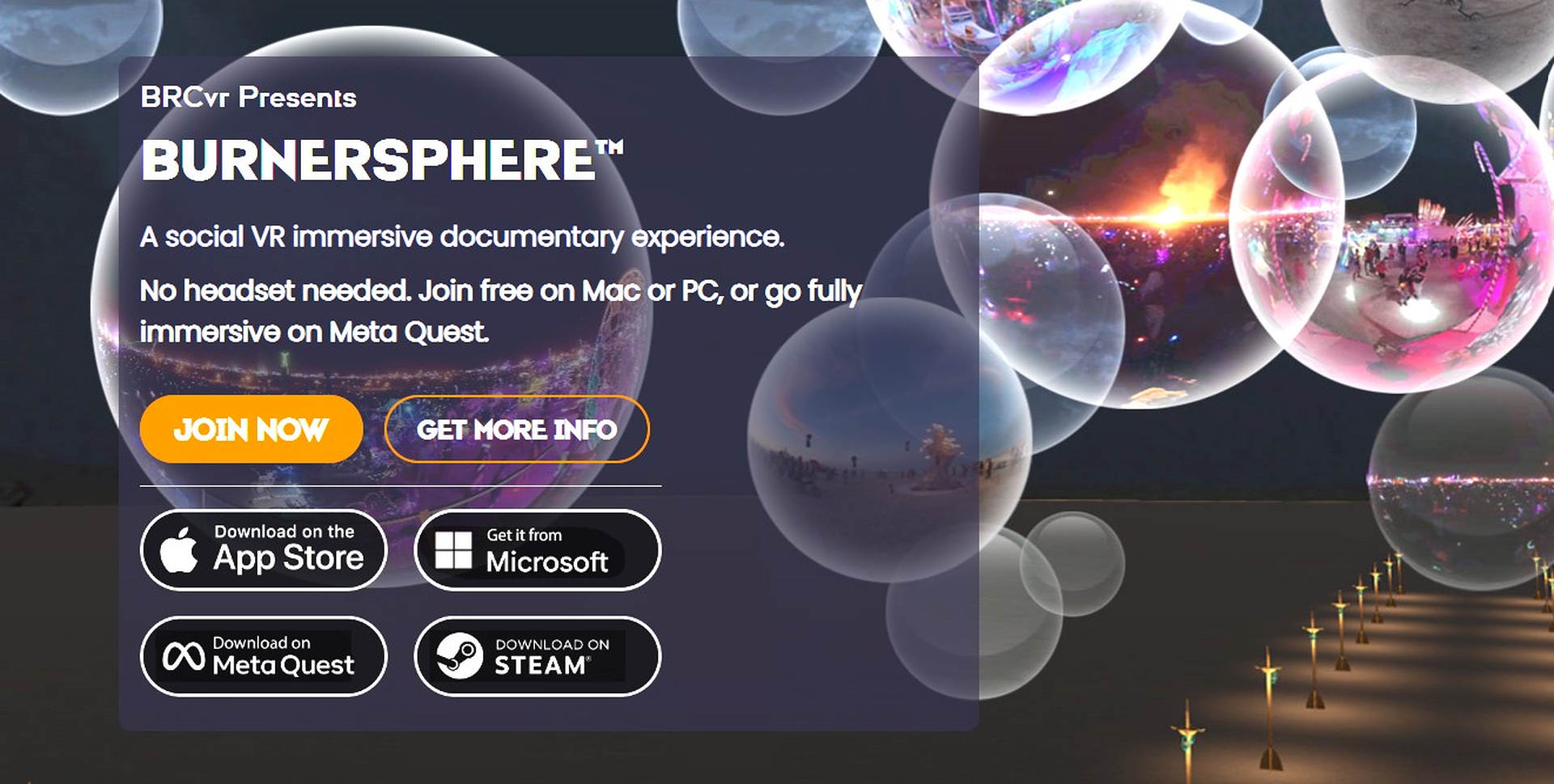
That has been our number one goal from the very beginning, back when we were BRCvr in 2020.
The day we asked Microsoft for a Mac version
In June 2020, two months before the virtual Burn, we were showing the first version of our digital playa inside AltspaceVR. Alex Kipman, Technical Fellow at Microsoft, and Katie Kelly, Program Owner at AltspaceVR, came to see it. They are both Burners, and they were thrilled to see our 3D model of Black Rock City. Alex asked right away how they could help. Whatever we needed.
Without a moment’s breath, I said, “Can you make this work on Mac?”
I wasn’t talking about just the digital playa. I was asking Microsoft to make the entire AltspaceVR platform work on Mac. At the time, AltspaceVR ran on PCs, PC VR, and Quest headsets. But the entire Burning Man office, most of the artists, all of the DJs, and a huge portion of the Burner community were on Macs. We needed to include them.
Alex and Katie met with their team, and in two months that is exactly what they built: a Mac client for AltspaceVR. They gave us early access to test it in August, one week before the event and ahead of AltspaceVR’s public relaunch of its Mac client. That was our build week. We shared it with every world builder taking part in Burn Week. Each world needed lots of little fixes, but it worked. When AltspaceVR relaunched its MacOS client to the public, Ryan Schultz noted in his September 2020 review of BRCvr that it arrived “just in time for Mac desktop users who want to attend the festival.”
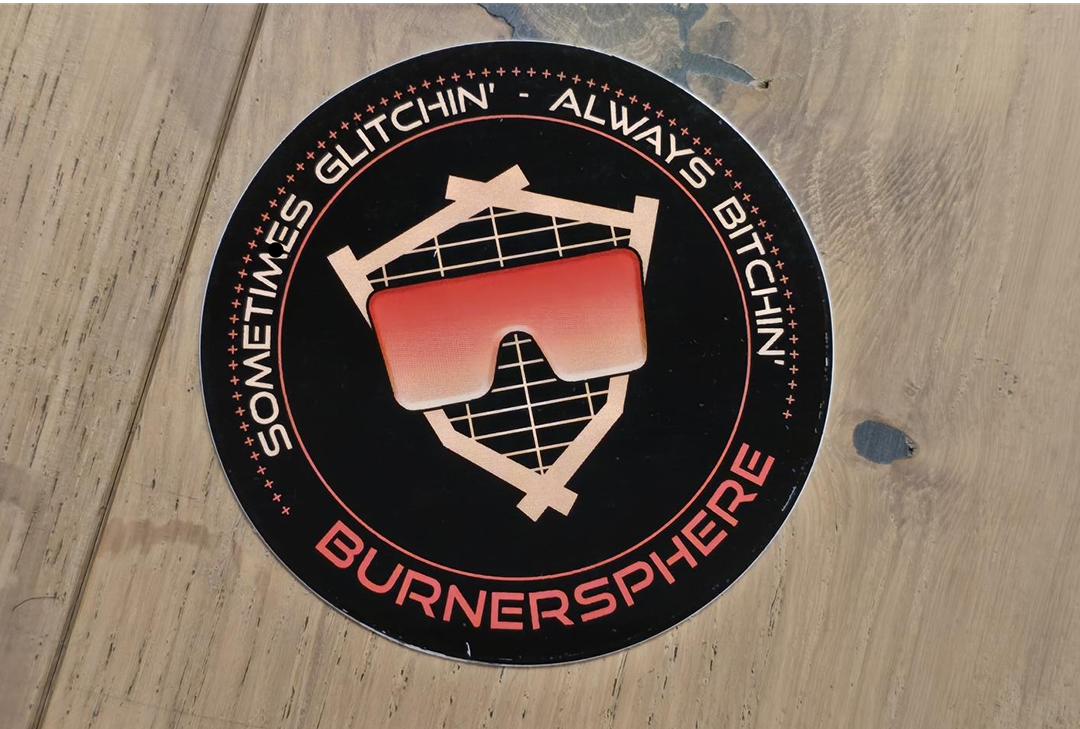
Those Mac fixes, and all the other little bugs that year, gave us the saying on our stickers: “Sometimes glitchin, always bitchin.” Justin Gunn coined it, and it has been with us ever since. Building a Mac client in two months so everyone could participate was a huge Communal Effort, and it was a big part of the success of BRCvr. That year, BRCvr drew 90,000 joins in eight days.
How we built BurnerSphere for every device
When AltspaceVR closed in 2023 and we started building our own platform, we started with Mac, PC, and Quest headsets from day one. Each version since has made getting in a little easier, and every step made BurnerSphere more inclusive.
Step one: Steam
The first desktop version of BurnerSphere was available through Steam. That worked well for gamers, but it was a hurdle for people who don’t use Steam, especially Mac users and people who don’t play PC games.
Step two: the Mac App Store and Microsoft Store
So we optimized again. Now you can download BurnerSphere straight from the Mac App Store or the Microsoft Store, no Steam required. It is a quick, streamlined install. BurnerSphere on Steam is still there for anyone who prefers it, mainly our PC VR community.
Step three: every Quest headset we could reach
Then we realized how many people still had a Quest 2. Some of our own team still used them. BurnerSphere’s worlds were so graphically rich that the app was a challenge on Quest 2 and would often crash. To radically include our Quest 2 community, we needed to optimize the platform even further.
That is exactly what Doug did. Making BurnerSphere work well on Quest 2 also made it even smoother on Quest 3. Today, BurnerSphere on Meta Quest loads quickly and runs smoothly for everyone.
What Radical Inclusion looks like in BurnerSphere today
- No ticket and no headset needed. Join from a Mac or Windows computer, or step in fully immersed on Meta Quest or PC VR.
- No Steam account required. Download from the store you already use.
- Room for older headsets. The Quest 2 optimization means you don’t need the newest hardware to join.
- A free account to start. Create your account and explore as a Guest, and learn about Camp Mate membership when you are ready to dive deeper.
Radical Inclusion also shapes how we host. Our new Event Tools let anyone in the room ask to speak, and let people on Mac, PC, and Quest join the same event together.
The next doors we are opening
Radical Inclusion asks us to keep looking for who is still standing outside the gate. Here is what we are working on now, and what is on our roadmap.
Tablets and phones
Part of Radical Inclusion is inviting people who don’t have a computer or a headset at all, only a tablet or a phone. That means making BurnerSphere work on iOS and Android.
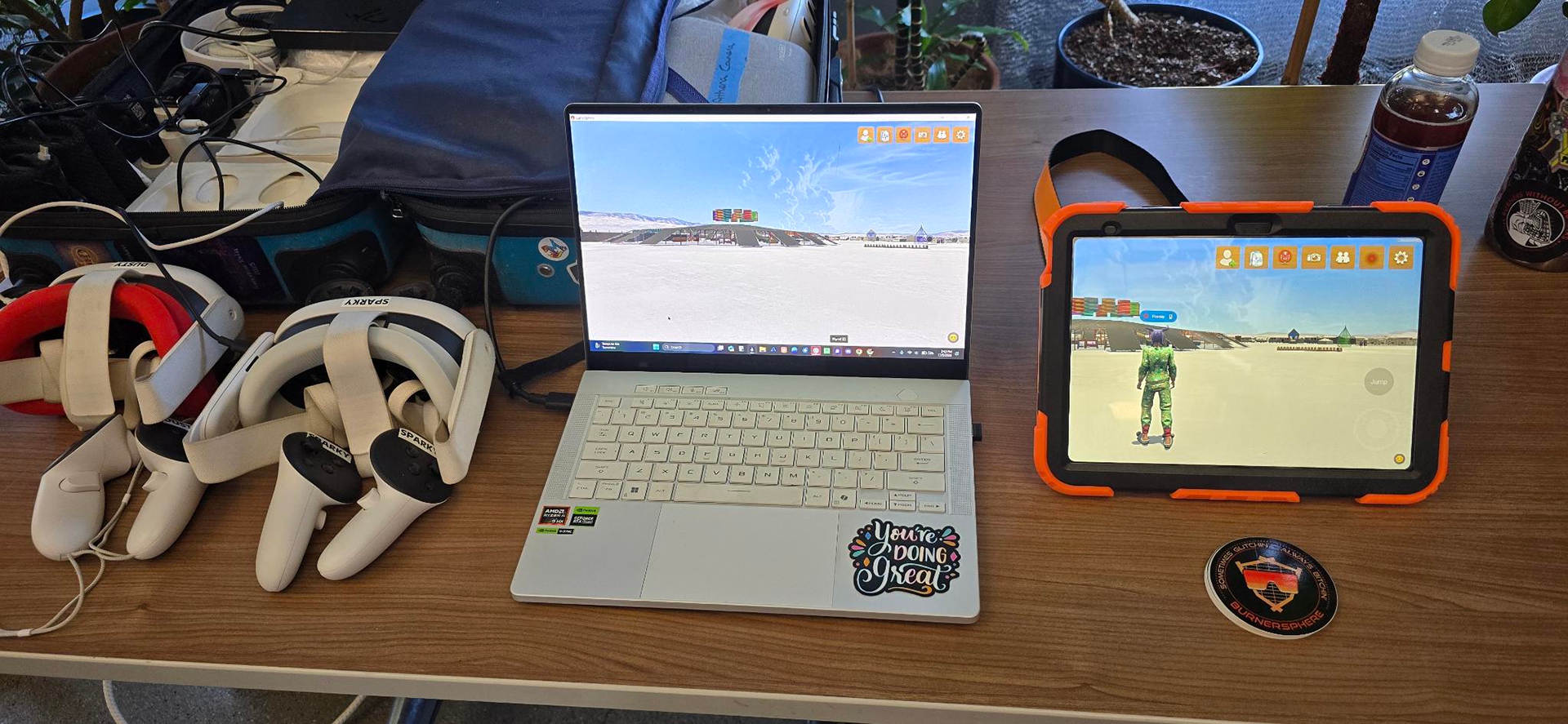
Doug has been working to crack that nut for a while, and we are thrilled to share that the iOS version of BurnerSphere is now in beta testing. It works! We are starting with tablets, and phones are in the works. Right now we are testing to make sure it performs well before we open it to the whole community. Android will follow very closely after the iOS release.
A translation tool
First on our roadmap is a translation tool, to help everyone communicate with each other no matter which language they speak. Most people in BurnerSphere today speak English, and being on a platform where you don’t understand the language around you can feel isolating. How do we welcome everyone who wants to participate but feels left out? Answering that question will be one of our most challenging tasks. The technology exists in pieces. We need to put it all together and get it working in BurnerSphere.
An accessibility toolkit
Also on our roadmap is an accessibility toolkit. Some people can’t participate in BurnerSphere today because of a sight, hearing, or mobility limitation, and this set of tools will help them take part. This is Radical Inclusion too. Our job is to build the tools that give everyone the ability to be welcomed into the community, and to open the doors to all. When translation and accessibility are working in BurnerSphere, our suite of Radical Inclusion tools will be complete.
Frequently Asked Questions
What devices does BurnerSphere work on?
BurnerSphere runs on Mac (from the Mac App Store), Windows PCs (from the Microsoft Store), PC VR through Steam, and Meta Quest headsets, including Quest 2 and Quest 3.
Can I use BurnerSphere on my phone or tablet?
Not yet, but very soon. An iOS version is in beta testing now, starting with tablets, with phones in the works. Android will follow very closely after the iOS release. For now, join from a Mac, a Windows PC, Steam, or Meta Quest.
Is BurnerSphere working on translation and accessibility?
Yes. A translation tool to help everyone communicate no matter which language they speak, and an accessibility toolkit for people with sight, hearing, or mobility impairments, are both on our roadmap. They are not available yet.
Do I need a VR headset?
No. You can explore BurnerSphere on a Mac or Windows computer with no headset at all. A headset makes it more immersive, but it is never required.
Do I need Steam to play BurnerSphere?
No. Mac and Windows users can download BurnerSphere directly from the Mac App Store or the Microsoft Store. Steam is there if you prefer it.
Will BurnerSphere run on my Quest 2?
Yes. Doug optimized BurnerSphere so it runs smoothly on Quest 2, which also makes it run even better on Quest 3.
Where can I find more help getting started?
Visit our Frequently Asked Questions page for setup help.
Come on in
Radical Inclusion is not a feature we finished. It is a promise we keep working on, one device and one fix at a time. Sometimes glitchin, always bitchin, and always open. Create your free account, download BurnerSphere for your device, and come find us on the playa. Come take a stroll in the digital dust.